JSRdigi Calling
Home Features Demo Industries Pricing About Contact
Log in Start Using Now

See JSRdigi in Action

Explore the powerful dashboard, watch the complete demo, and see how easy it is to manage your calling team.

Software Dashboard Preview

Explore the powerful and easy-to-use dashboard designed for efficient lead management, team coordination, and performance tracking.
JSRdigi Lead Management CRM Dashboard
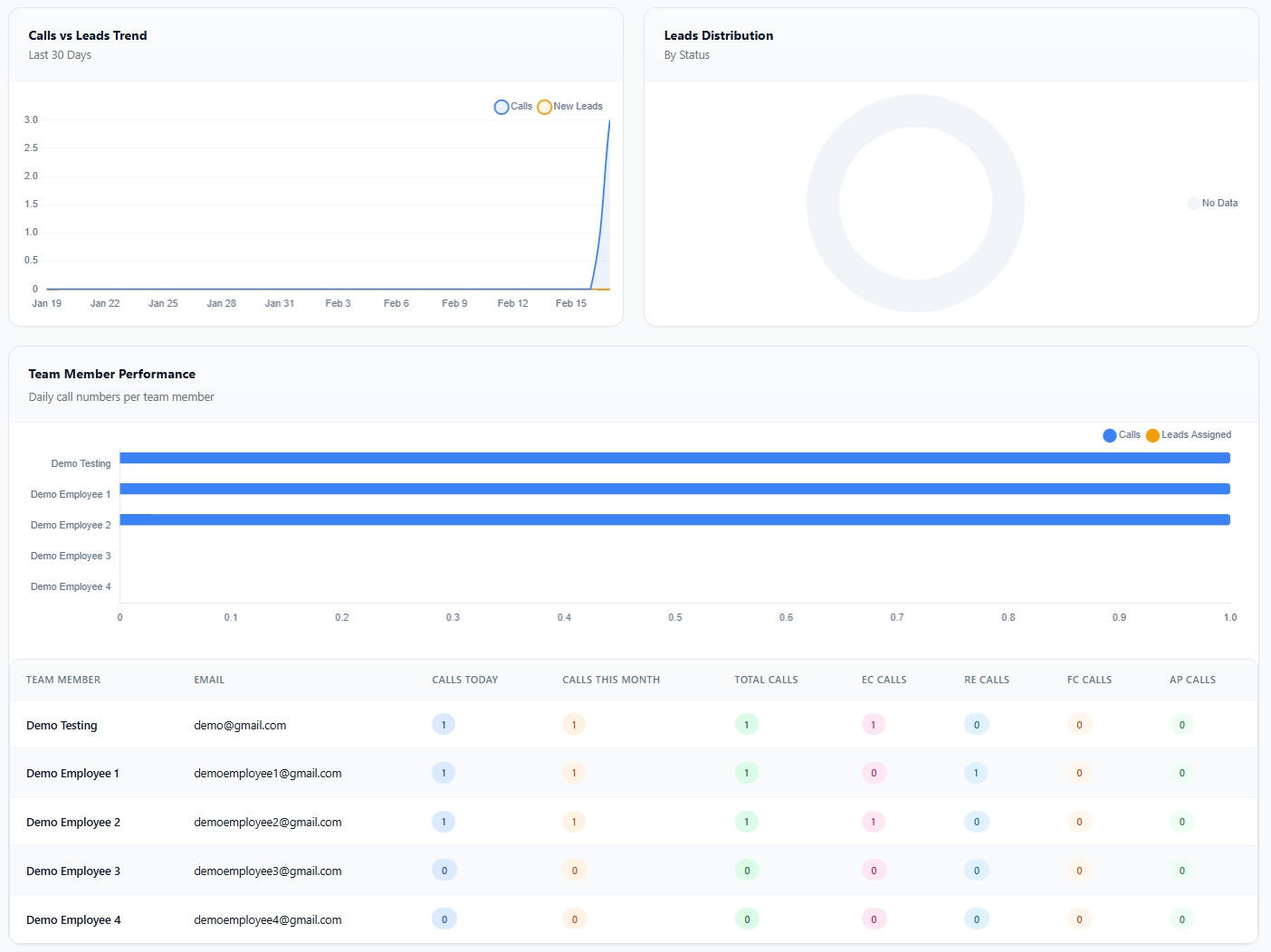
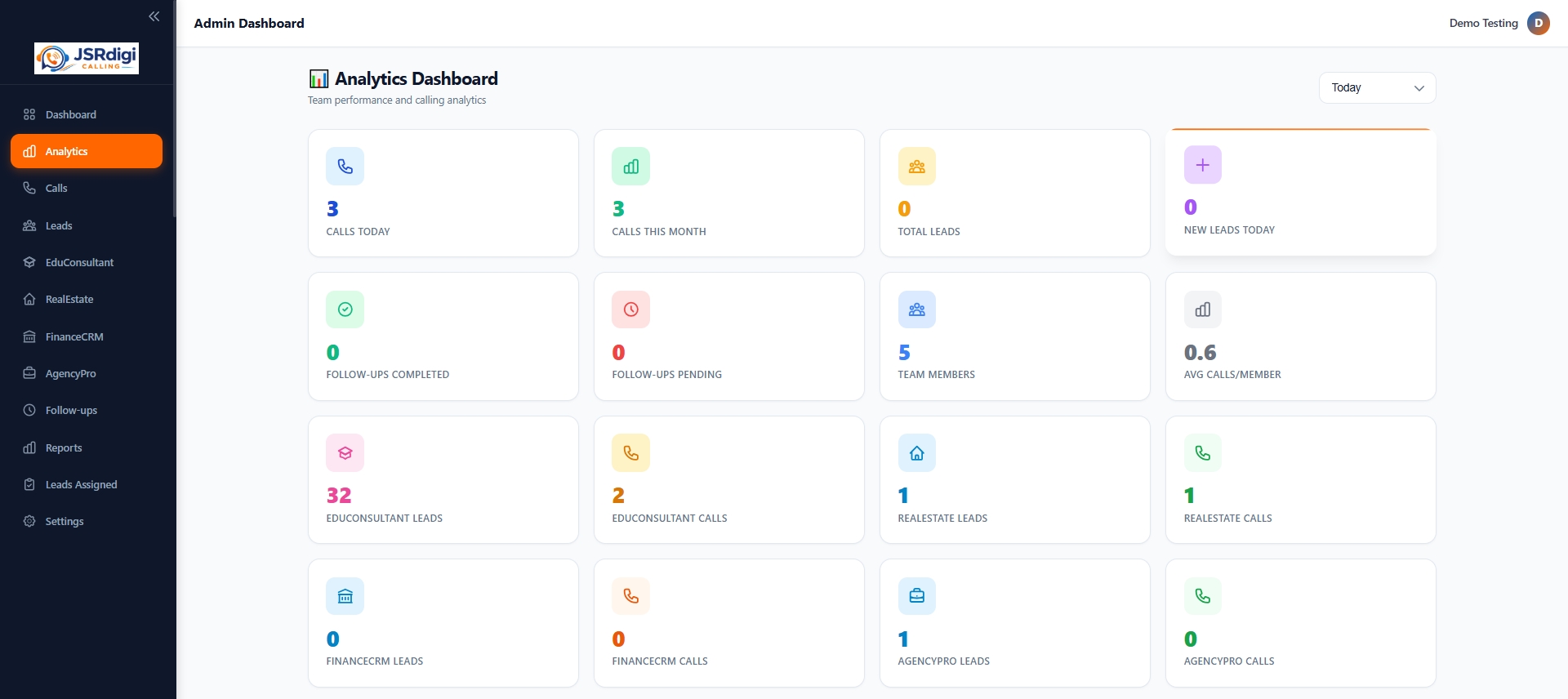
Analytics Dashboard
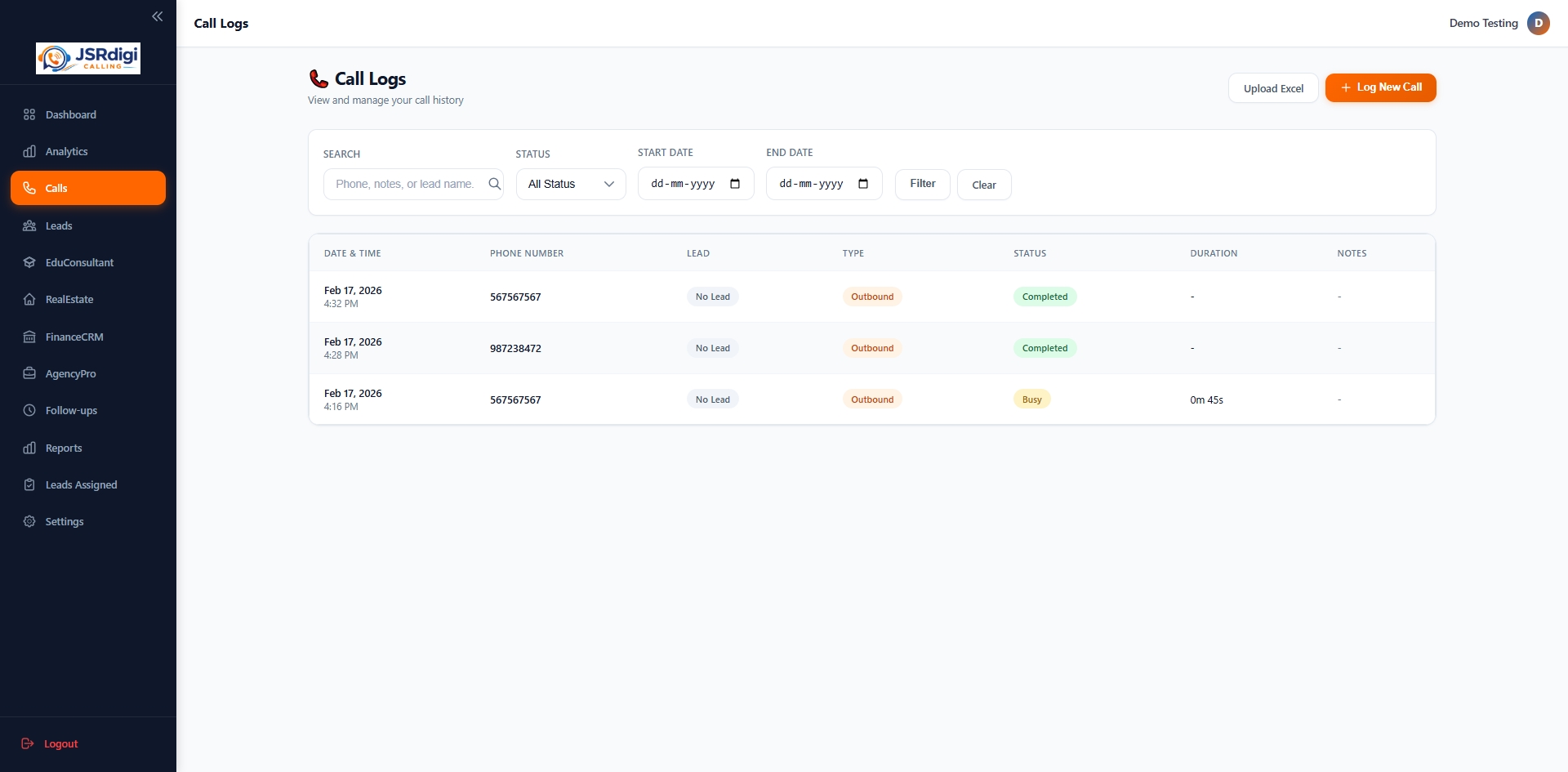
Telecalling CRM Call Logs
Call Logs Management
Lead Analytics Dashboard
Performance Analytics
Lead Assignment CRM Software
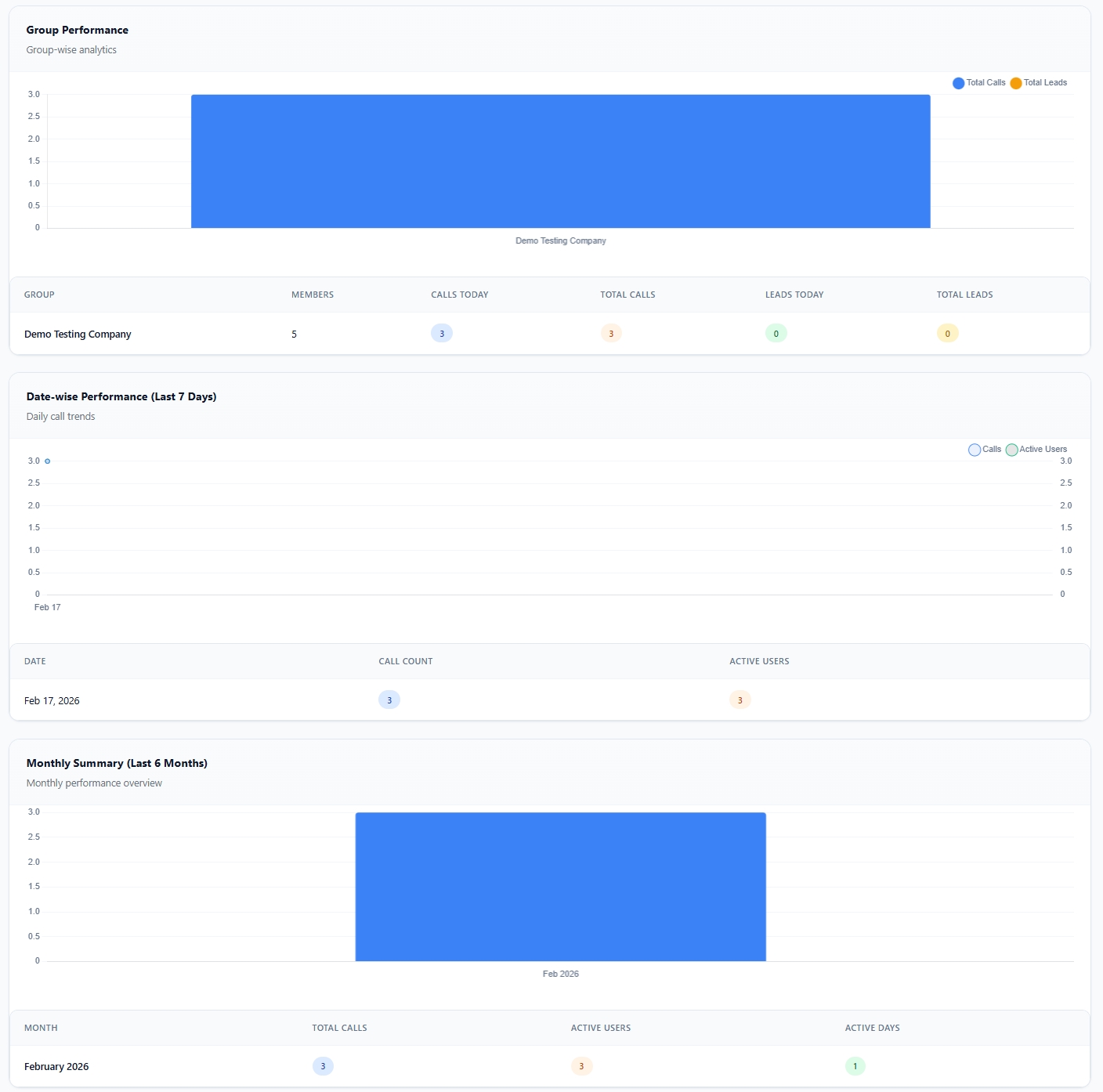
Graphical Reports
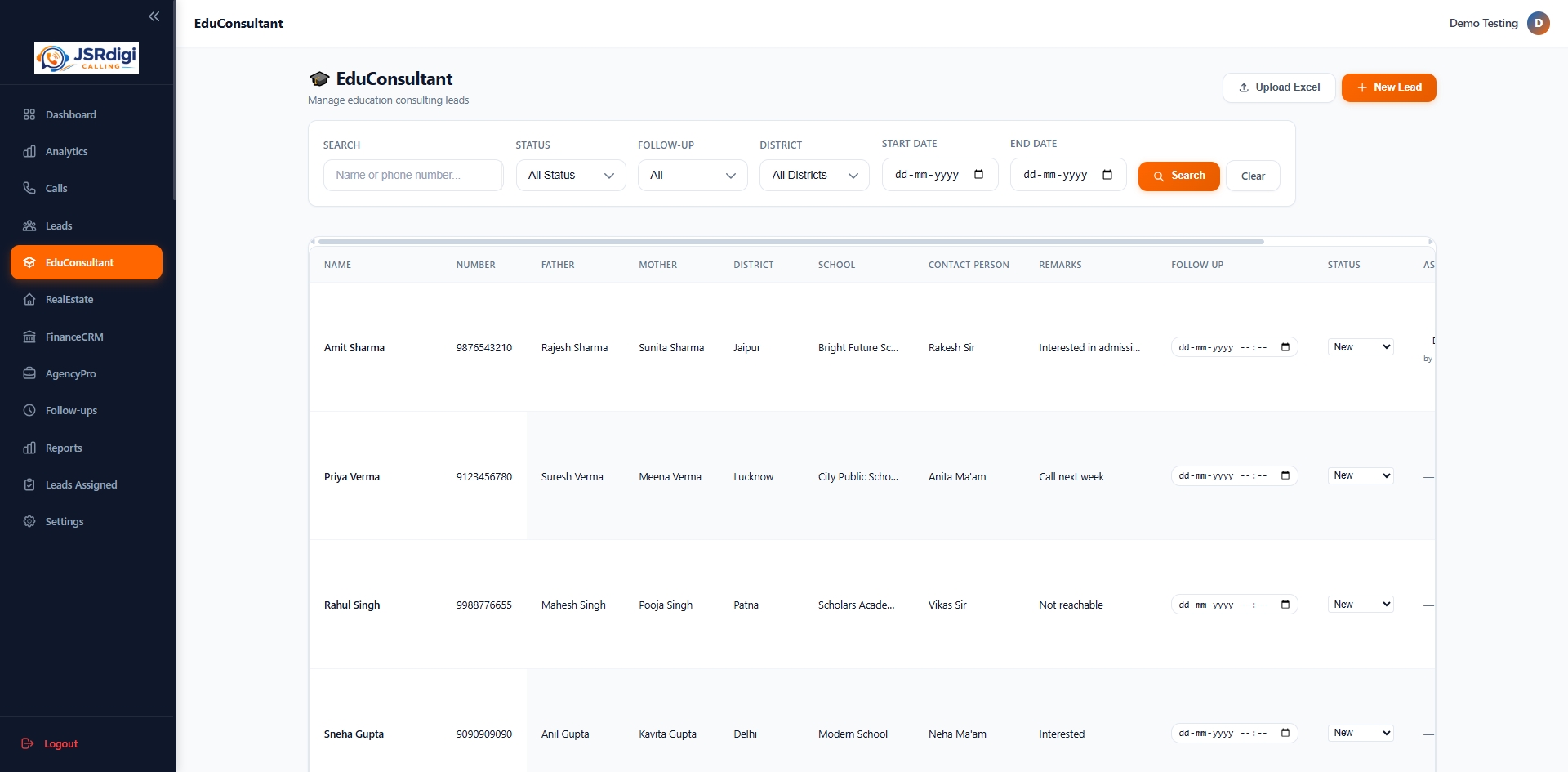
Educational Consultant Analysis CRM
Education CRM Dashboard
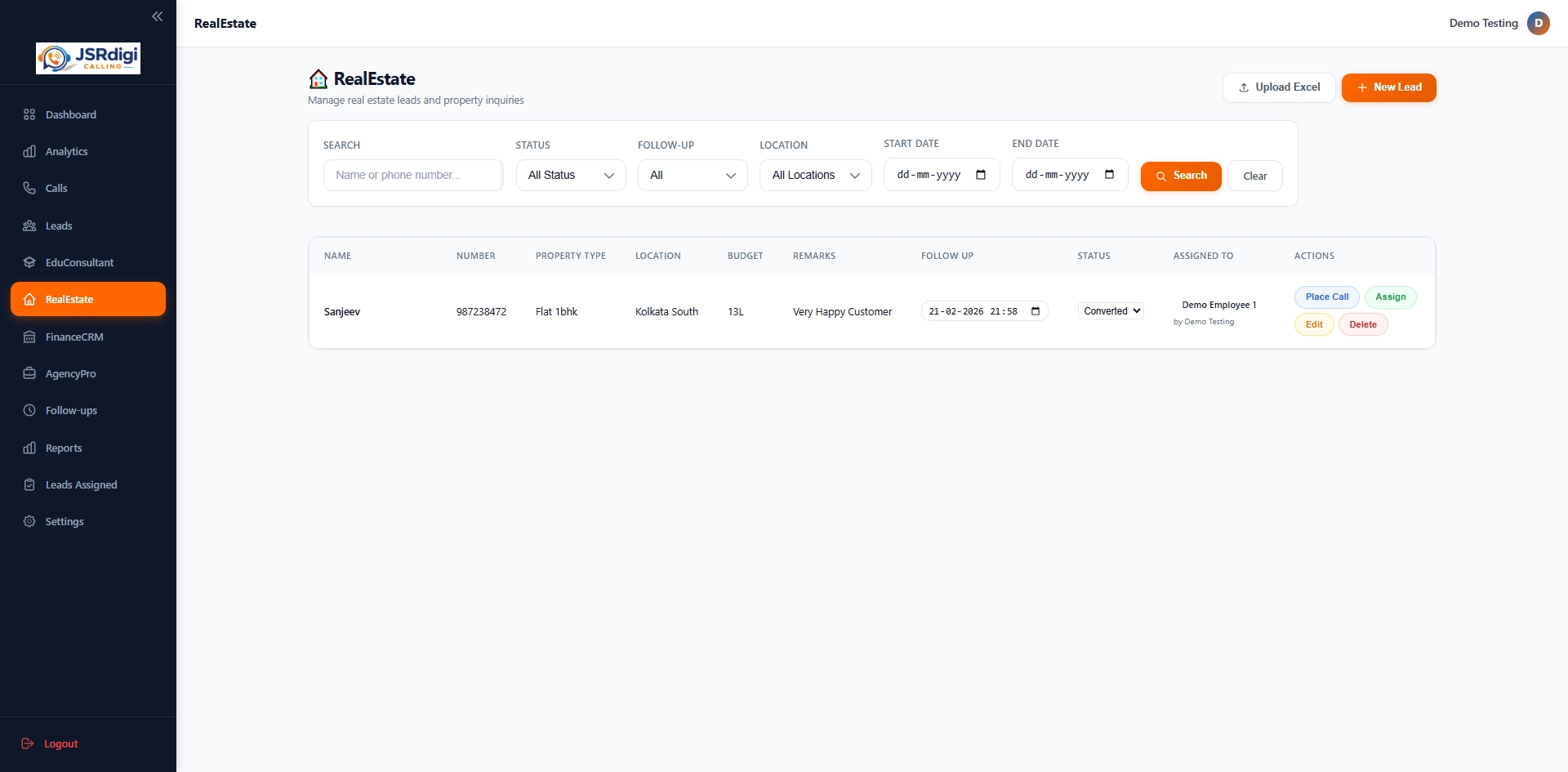
Real Estate Lead Management CRM
Real Estate CRM Dashboard
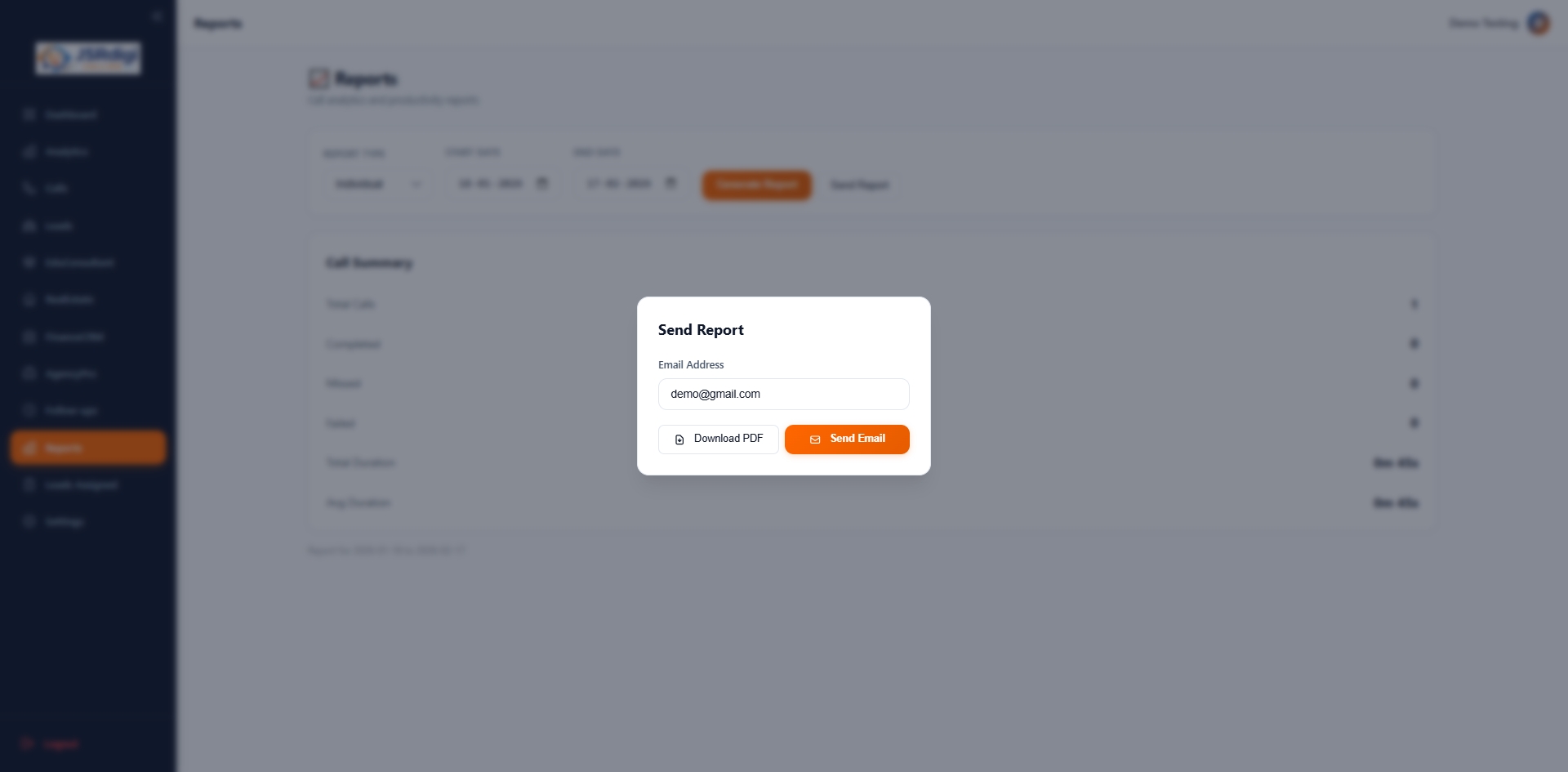
One Click CRM Reporting Tool
One Click Report Generation

Watch Complete Software Demo

Learn how to use JSRdigi Lead Management CRM step-by-step, from lead upload to team management.

This video explains:

  • How to create your account
  • How to purchase subscription
  • How to add leads manually
  • How to upload leads using Excel
  • How to assign leads to team members
  • How to create team members
  • How to manage follow-ups
  • How to update call status and remarks
  • How to track team performance
  • How to generate reports
  • How to manage complete lead workflow
Start Using Now

Frequently Asked Questions

Common questions about using JSRdigi Calling

How does calling work in JSRdigi CRM? +

JSRdigi is a lead management and telecalling CRM. Team members call leads using their mobile phones and update call status, remarks, and follow-ups in the software dashboard.

Can I upload my existing lead data? +

Yes, you can upload unlimited leads using Excel file or add leads manually anytime.

Can I assign leads to my team? +

Yes, admin and managers can assign and transfer leads to team members easily.

Can I track my team performance? +

Yes, you can monitor call activity, follow-ups, and performance using analytics dashboard.

Is training required to use this software? +

No, the software is very easy to use. You can also watch the complete demo video for step-by-step guidance.

× Full Preview